
Conducting a backlink audit to find and remove toxic backlinks is an important SEO practice that every website owner should do at least every three months. While backlinks help improve rankings – not all links are good for SEO. Some links from spammy or low quality websites can harm your authority and search visibility. These are known as toxic backlinks. These mainly come from manipulative link building practices like paid links or private blog networks (PBNs) that break Google’s guidelines and even lead to penalties. In this guide, we will discuss the following:
- What are toxic backlinks?
- How to find toxic backlinks using tools and manual methods?
- How to remove toxic backlinks?
Toxic backlinks – Key highlights
- A sudden spike in backlinks from unrelated or foreign websites can be an early sign of toxic link activity.
- Toxic backlinks can arise even if you did nothing – as a result of the prior site ownership or spam attacks from competitors.
- Tools like Semrush, Ahrefs, Moz, and Google Search Console can help you audit backlinks and quickly spot suspicious domains.
- In Semrush, backlinks receive a Toxic Score from 0-100 based on spam signals. Scores between 45-59 suggest moderate risk – while scores above 60 often need manual review.
- Match toxicity scores with manual assessment at all times before eliminating or disavowing backlinks to avoid damaging your SEO reputation.
- Checking your backlink profile every 2-3 months is a good way to spot bad connections before they hurt your rankings or trust signals.
What are toxic backlinks?
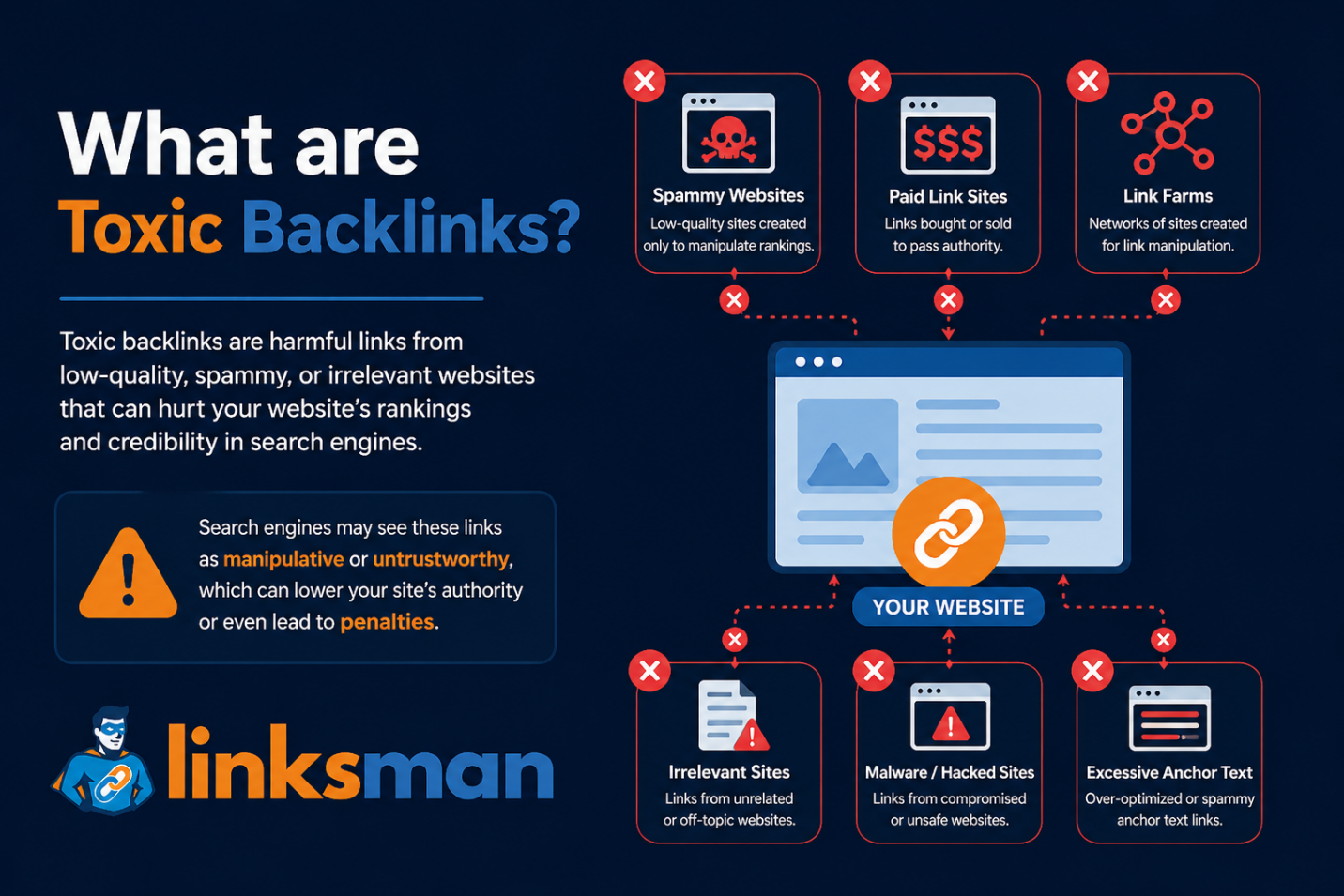
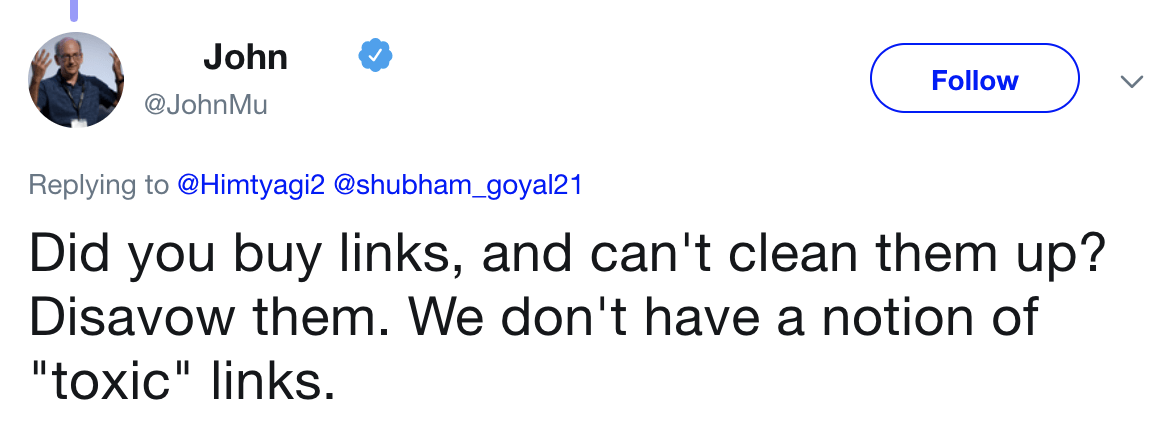
Toxic backlinks are bad links from other websites that might damage your SEO and lower your website’s search visibility. Google doesn’t define the word – poisonous backlinks – but it is a term used by SEO professionals and backlink analysis tools to identify links that appear to be unnatural or manipulative.
Toxic backlinks have three common traits:
- They usually come from low authority or irrelevant websites
- These links provide little or no value to users
- They violate Google’s link spam guidelines
Google algorithms – especially Google Penguin and SpamBrain – check backlinks to determine how natural and trustworthy a website link profile appears. So, it is crucial to know what are toxic backlinks and how you may identify and delete them from your website to prevent manual penalties.
Common sources of toxic backlinks include:
- Getting links from private blog networks (PBNs)
- Buying links from low quality websites
- Links from gambling or adult websites
- Spam comments and forum links
- Link farms created only for backlinks
- Low quality business directories
- Blogs with copied or thin content
- Negative SEO attacks from competitors
- Automated link building tools
- Excessive link exchanges for SEO
- Forced links added through partnerships or widgets
Toxic backlinks SEO helps you to identify these spammy links and remove them from our site using the correct method and best practice.
How to find toxic backlinks (with tools and manual methods)
There are different ways to find toxic backlinks. You can speed this up with SEO tools or look at backlinks manually for a deeper study. The best that you can do is to use both ways.
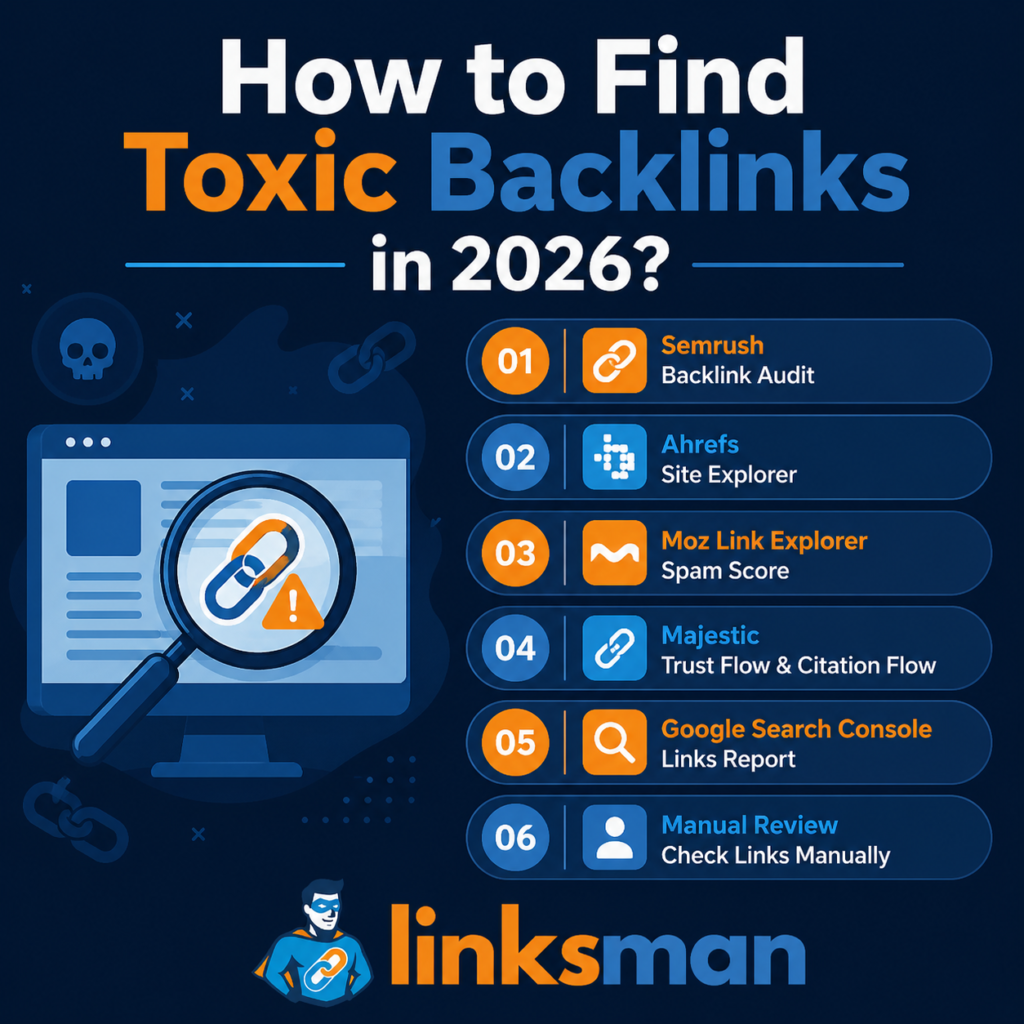
Method 1. Find toxic backlinks using Semrush
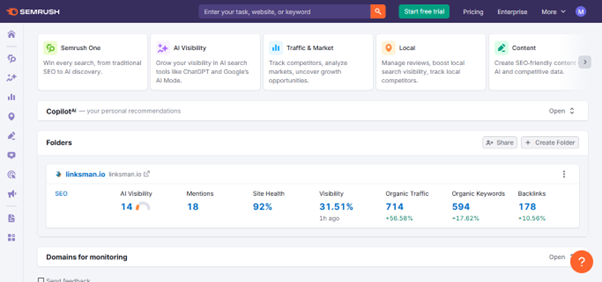
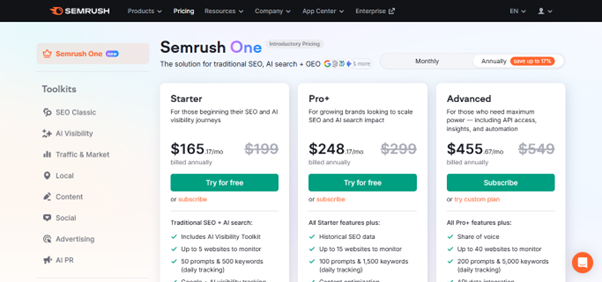
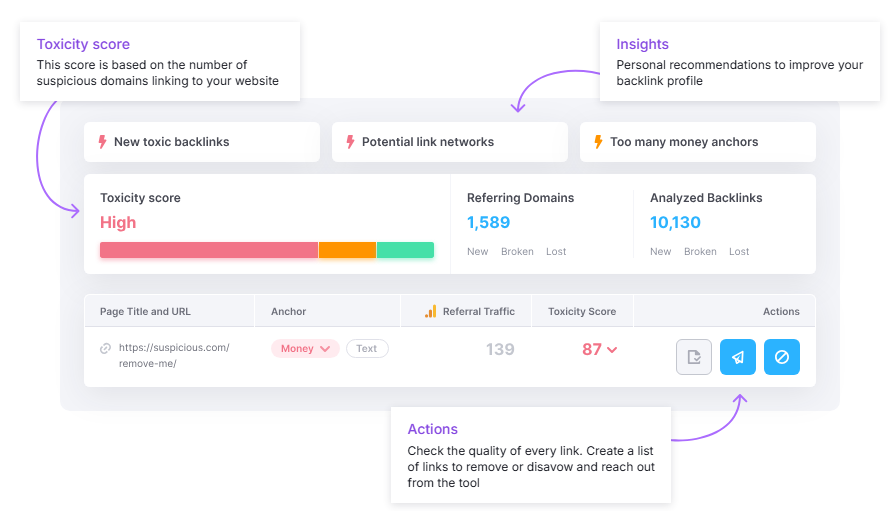
Semrush is one of the easiest tools to discover toxic backlinks. It crawls through your backlink profile automatically and flags links that look questionable.
Its Backlink Audit feature helps you review spam signals and risky domains in one place.
Semrush uses a Toxicity Score (0-100) to estimate how risky a backlink may be.
- 0-44: Low risk
- 45-59: Moderate risk and worth reviewing
- 60-100: High risk and may require manual checking
The score is based on factors like spam signals and low authority as well as unnatural anchor text and suspicious linking patterns.
How to find toxic backlinks in Semrush
- Open the Backlink Audit tool in Semrush
- Enter your website domain and start the audit
- Connect your Google Search Console account for better backlink data
- Wait for Semrush to scan your backlink profile
- Open the Audit tab to view suspicious backlinks
- Sort backlinks by Toxicity Score to find high-risk links first
- Review anchor text, authority score, and domain quality
- Manually inspect suspicious websites before making a decision
- Remove toxic backlinks directly by clicking on “Move to Remove list”
Semrush allows you to scan vast backlink profiles in seconds and get a single backlink quality score from one dashboard, making it a great tool for analyzing malicious backlinks. It also helps you categorize suspicious links into remove or disavow lists for quicker cleanup. This is especially useful for websites that have thousands of backlinks or are running ongoing SEO strategies. But you can’t just depend on the Toxicity Score. Always manually check questionable backlinks before removing or disavowing. Low Domain Rating (DR) websites
- Spammy or unrelated referring domains
- Exact-match keyword anchor text
- Websites with little or no organic traffic
- Large numbers of backlinks from the same domain
Method 2. Find toxic backlinks using Ahrefs
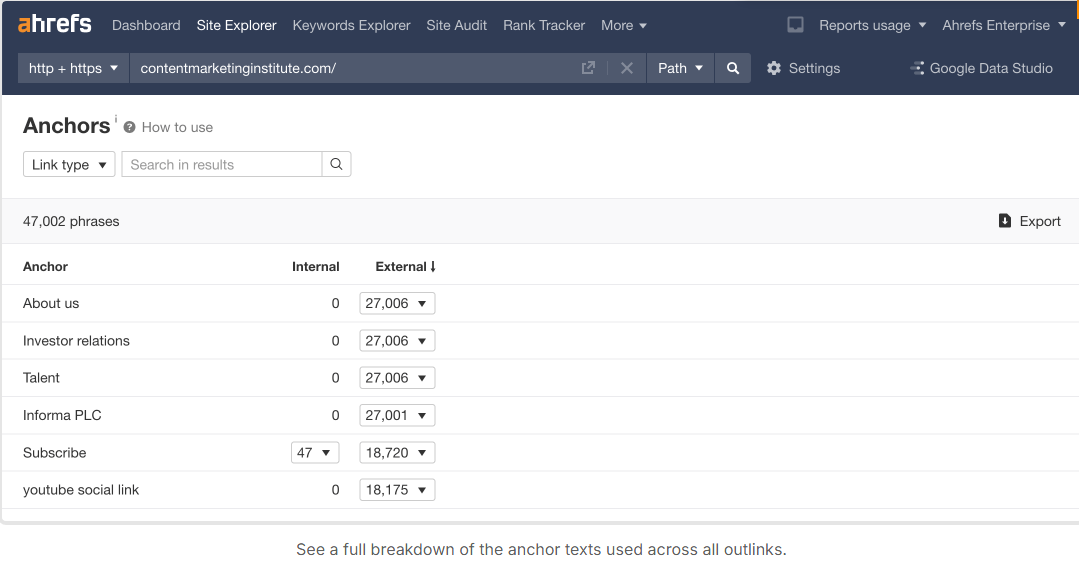
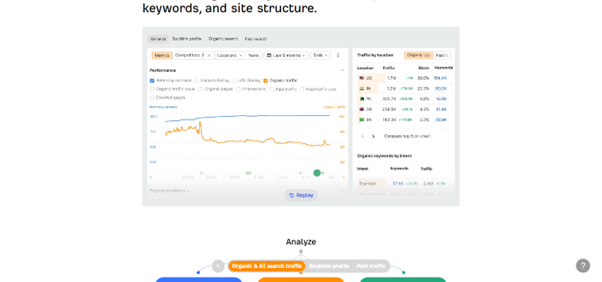
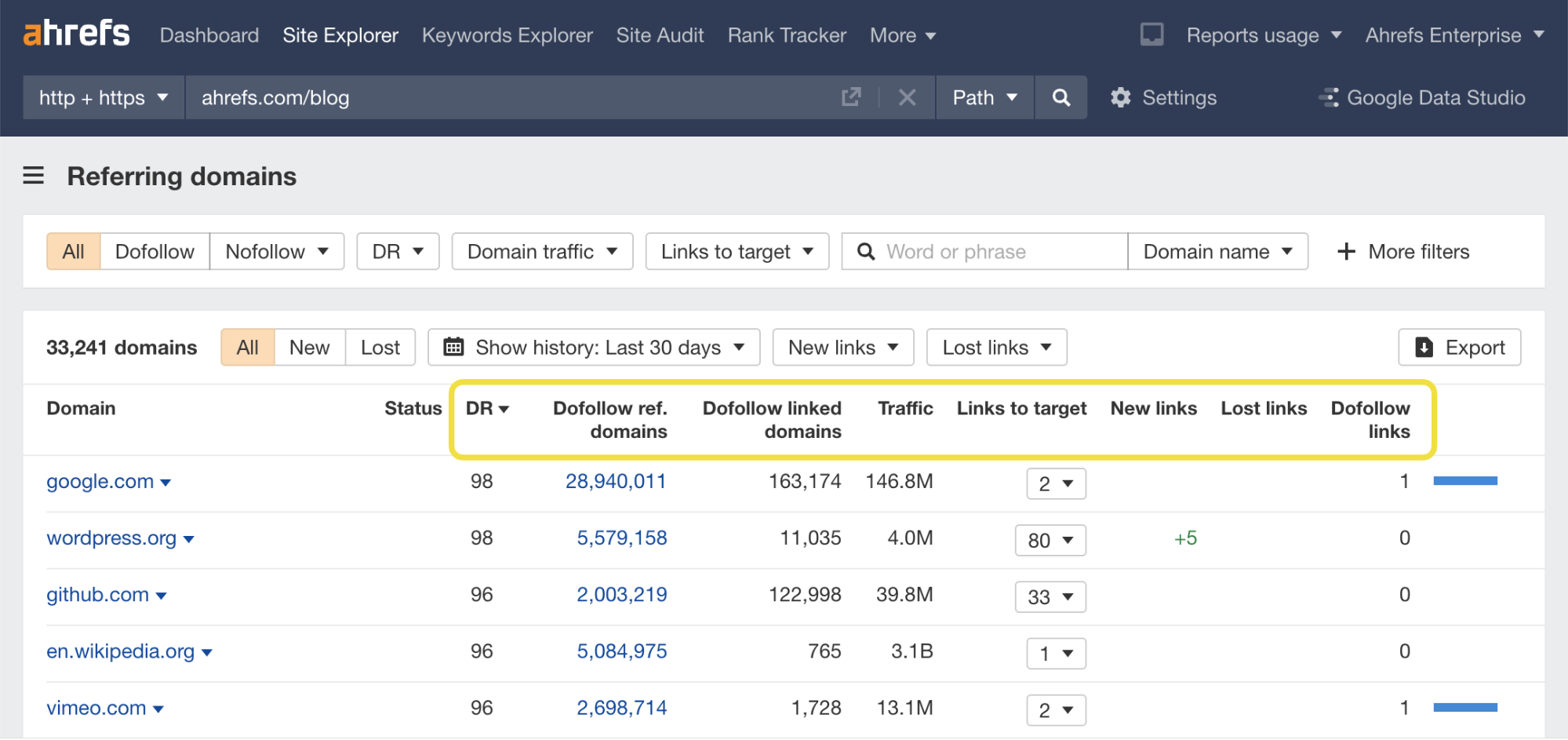
Ahrefs is another powerful tool for finding toxic backlinks. Unlike Semrush – Ahrefs does not provide a direct Toxicity Score. Instead, it helps you identify suspicious backlinks by analyzing domain authority and anchor text – along with traffic quality and referring domains. Ahrefs is useful because it gives you a detailed view of your backlink profile and helps you manually spot harmful link patterns.
When reviewing backlinks in Ahrefs – look for these signs:
How to find toxic backlinks in Ahrefs
- Open Site Explorer in Ahrefs
- Enter your website domain and run the search
- Go to the Backlinks report from the left menu
- Filter backlinks by Dofollow links for stronger SEO signals
- Sort backlinks by low Domain Rating (DR)
- Review referring domains with little traffic or poor quality
- Check anchor text for spammy or keyword-heavy phrases
- Open suspicious domains manually to inspect content quality
- Export harmful backlinks for removal or disavow review
Ahrefs is particularly good for manually checking the quality of backlinks because of its good filtering capabilities and thorough domain level information. It helps you understand where the backlinks are coming from and if they appear to be natural or deceptive. Ahrefs does not offer a Toxic Score – hence manual examination is more required before deleting or disavowing links.
Bonus Read: How to Get Backlinks from Edu Sites in 2026
Method 3. Find toxic backlinks using Moz Link Explorer
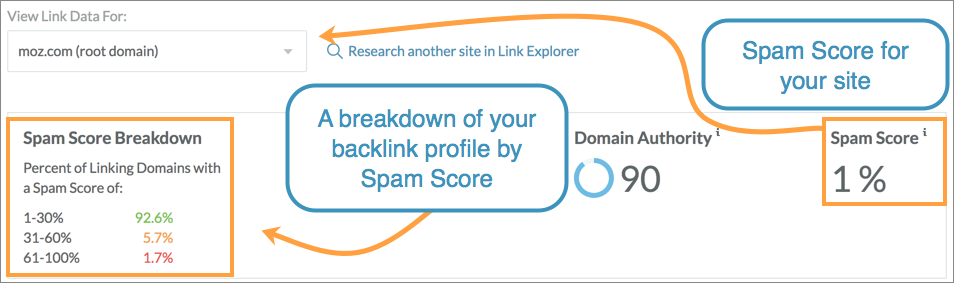
Moz Link Explorer helps you identify toxic backlinks using its Spam Score metric. Unlike Semrush’s Toxicity Score, Moz focuses on measuring how likely a linking domain is to appear spammy based on multiple risk signals. Moz is useful for quickly spotting suspicious websites that may lower trust in your backlink profile.
Spam Score is shown as a percentage:
- 1-30%: Low spam risk
- 31-60%: Moderate risk and worth reviewing
- 61-100%: High spam risk and may require action
The score is based on factors such as low-quality domains and unnatural linking behavior as well as spam-related website patterns.
How to find toxic backlinks in Moz
- Open Moz Link Explorer and enter your website domain
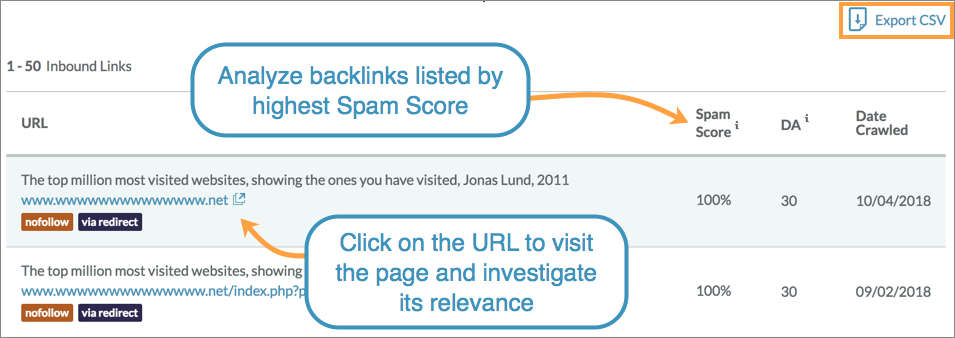
- Go to the Inbound Links section
- Review backlinks pointing to your website
- Check the Spam Score for each referring domain
- Sort backlinks by highest Spam Score first
- Review anchor text and linking page relevance
- Open suspicious websites manually for closer inspection
- Export backlinks that may need removal or disavow review
- Compare findings with other tools for better accuracy
Moz is useful because it makes spam detection simple and easy to understand. It works especially well for quickly reviewing domain quality and identifying risky backlinks. However, Spam Score should only guide your review.
Method 4. Find toxic backlinks using Google Search Console
Google Search Console is a free way to find toxic backlinks directly from Google’s own data. While it does not provide a Toxicity Score like Semrush or a Spam Score like Moz – it helps you see which websites link to your domain. This method is useful if you want to manually review backlinks without using paid SEO tools.
Google Search Console allows you to:
- View websites linking to your domain
- Export backlink data directly from Google
- Spot unusual linking patterns
- Identify suspicious referring domains
- Review backlink trends over time
How to find toxic backlinks in Google Search Console
- Open Google Search Console and select your website property
- Go to the Links section from the left menu
- Scroll to Top Linking Sites
- Click More to view all referring domains
- Export backlink data into a spreadsheet
- Review websites linking to your domain
- Look for spammy, irrelevant, or foreign websites
- Check anchor text patterns and repeated domains
- Create a list of suspicious backlinks for manual review
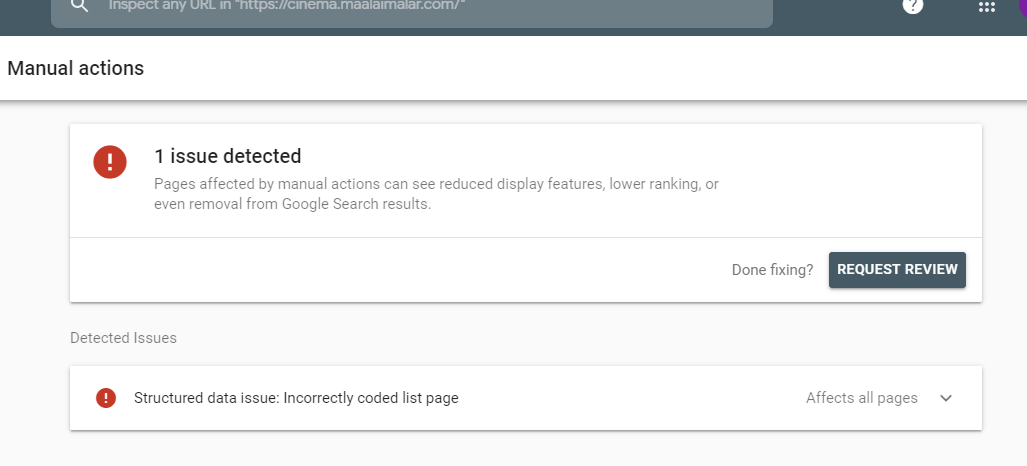
Google Search Console is useful because it shows backlinks directly from Google’s index. It gives you a reliable starting point for backlink analysis without paying for additional tools.
Method 5. Find toxic backlinks using Majestic SEO
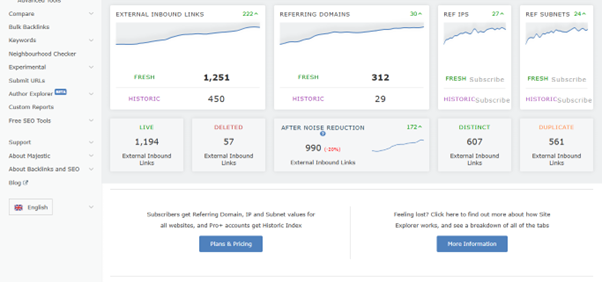
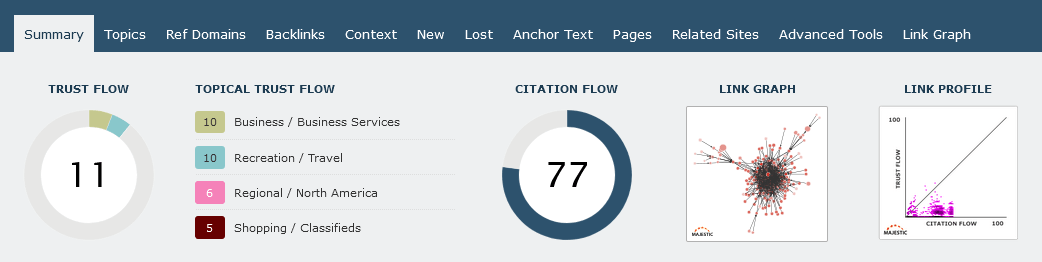
Majestic SEO helps you find toxic backlinks by measuring the trust and quality of linking websites. Unlike Semrush or Moz – Majestic focuses on Trust Flow and Citation Flow to evaluate backlink strength. Trust Flow measures how trustworthy a linking website appears – while Citation Flow measures link quantity. Comparing both scores helps you spot suspicious backlinks.
A backlink may look risky when:
- Citation Flow is very high but Trust Flow is very low
- The website has many backlinks but little authority
- The linking domain appears unrelated to your niche
- Backlinks come from spam-heavy or low-quality sites
How to find toxic backlinks in Majestic
- Open Majestic SEO and enter your website domain
- Go to the Backlinks or Referring Domains report
- Review Trust Flow and Citation Flow scores
- Look for domains with low Trust Flow and high Citation Flow
- Sort backlinks by referring domains or link quality
- Review anchor text used in suspicious backlinks
- Open low-trust websites manually for inspection
- Export risky backlinks for further review or cleanup
- Add harmful links to your removal or disavow list
Majestic is useful for identifying trust related backlink issues and spotting unnatural linking patterns. It works especially well when you want deeper backlink analysis beyond spam scores.
Method 6. Find toxic backlinks manually
Manual backlink review takes more time but it helps you understand whether a backlink is truly harmful. SEO tools can flag suspicious links but they cannot fully understand context. A backlink that looks risky in a tool may actually be natural – while some harmful links may not receive a high toxicity score. This is why manual checking is important before removing or disavowing backlinks.
How to find toxic backlinks manually
- Export your backlink list from Google Search Console or any backlink tool
- Open the backlink report in a spreadsheet for easier review
- Check the referring domain for relevance to your niche
- Visit suspicious websites and review their content quality
- Look for spam-heavy pages filled with links or ads
- Review anchor text for keyword stuffing or repeated phrases
- Check whether the website has real content or exists only for backlinks
- Identify backlinks coming from foreign or unrelated websites
- Create a list of links that clearly look manipulative or low quality
Manual review helps you avoid removing good backlinks by mistake. Instead of trusting a score alone – you can judge whether a backlink genuinely looks unnatural or harmful. This method works best when combined with tools because tools help you find suspicious links faster – while manual review helps confirm whether they are actually toxic.
What are the common signs of toxic backlinks?
Not every weak backlink is toxic. Some backlinks simply come from low authority websites and may not add much SEO value. These are often called low quality backlinks. While they usually do not help rankings, they also do not automatically hurt your website.
Toxic backlinks are different. These links often show clear signs of manipulation or unnatural linking behavior and can increase the risk of ranking drops or penalties.
So how do you tell the difference between a low quality backlink and a toxic one? Here are the most common warning signs to look for:
| Sign | What It Means |
| Spammy website design | The site looks poorly built and is overloaded with ads or created only for backlinks |
| Thin or copied content | Content provides little value or appears duplicated from other websites |
| Too many outbound links | The page links to many unrelated websites without clear context |
| No real traffic | The domain may exist only for SEO manipulation rather than real users |
| Keyword heavy anchor text | Repeated exact match keywords may signal artificial link building |
| Unrelated niche | The linking website has no logical connection to your topic |
| Multiple links from one domain | Large numbers of links from one suspicious site can look unnatural |
| Foreign language websites | May appear suspicious if unrelated to your audience or location |
| Link placed in footer or sidebar | Sitewide links repeated across many pages can signal manipulation |
| Random blog comments or forum links | Often created for spam rather than genuine discussion |
| Domain has very low authority | Low quality domains often provide little trust or SEO value |
| Backlinks from hacked websites | Links added to compromised pages can become toxic |
Best tools to find toxic backlinks
Here is a comparison of popular tools you can use to find toxic backlinks and choose the best option for your needs.
| Tool | Price | Ease of Use | Best For | Key Feature |
| Semrush | Paid (free trial available) | Easy | Agencies and SEO professionals | Toxicity Score + Backlink Audit |
| Ahrefs | Paid | Moderate | Advanced SEO users | Large backlink database |
| Moz Link Explorer | Paid | Easy | Beginners and small businesses | Spam Score + Domain Authority |
| Google Search Console | Free | Very Easy | Bloggers and website owners | Google backlink data |
| Majestic SEO | Paid | Moderate | Link-building specialists | Trust Flow + Citation Flow |
| SE Ranking | Paid | Easy | Freelancers and small agencies | Backlink monitoring + toxicity checks |
Most SEO professionals use more than one tool because each platform measures backlink quality differently, and combining data from multiple tools often gives a more accurate backlink review.
Finding toxic backlinks is only half the job. Once you identify suspicious or harmful links, the next step is to remove them safely. Make sure you do not delete every weak backlink. Only clean up links that clearly look harmful to your SEO. You can remove toxic backlinks using one of these methods.
Method 1. Contact website owners to remove the link
The first and safest method is to ask the website owner to remove the backlink manually. This completely removes the link instead of simply telling Google to ignore it. Visit the linking website and look for a contact page or email address. Send a short request asking them to remove the backlink. Keep your message simple and polite.
Example:
Hello,
I noticed a backlink to my website on your page. I would appreciate it if you could remove it. Thank you.
This method works best when the website is active and managed by a real owner.
Method 2. Use Semrush to organize link removal
Semrush can help you manage toxic backlinks after finding them. Instead of keeping a separate spreadsheet, you can organize suspicious links directly inside the Backlink Audit tool.
After reviewing a backlink, you can:
- Move safe links to the whitelist
- Add harmful links to the remove list
- Track backlinks that need action
- Move unresolved links to the disavow list
Method 3. Use Google Disavow Tool
If you cannot remove a backlink manually, you can use the Google Disavow Tool inside Google Search Console. Disavowing means telling Google to ignore certain backlinks when evaluating your website. The backlinks remain online, but Google may stop counting them as ranking signals.
This method is useful when:
- You cannot contact the website owner
- The linking website looks abandoned or spammy
- You received a manual penalty
- You suspect a negative SEO attack
- You have many toxic backlinks from the same domain
How to use Google Disavow tool
1. Create a TXT file listing harmful URLs or domains
2. Add one backlink or domain per line
3. Use domain: if you want to disavow an entire website
Example:
domain:spamwebsite.com
domain:badlinksdirectory.com
https://example.com/spam-page
4. Open the Google Disavow Tool linked to Google Search Console
5. Select your website property
6. Upload the TXT file
7. Submit the file for processing
Google may take several weeks to process the file and update your backlink evaluation.
Monitor results after cleanup (very important)
Removing toxic backlinks does not create instant improvements. Google needs time to recrawl backlinks and reassess your website. After cleanup, you should monitor these things.
- Keyword rankings
- Organic traffic
- Manual action reports
- New backlinks appearing over time
You may notice gradual improvements over a few weeks or months.
How often should you check toxic backlinks?
Toxic backlinks can appear at any time, even if you are not actively building links. New backlinks may come from automated tools or negative SEO attacks. That is why backlink monitoring should be a regular part of your SEO routine.
Follow this table to understand how often you should conduct a backlinks audit for your website.
| Website Type | Recommended Frequency |
| Small websites | Every 3 months |
| Growing websites | Monthly |
| Ecommerce websites | Monthly |
| Large authority websites | Every 2 to 4 weeks |
| Websites using active link building | Monthly |
| Websites recovering from penalties | Every 2 to 3 weeks |
| New websites | Every 2 o 3 months |
Regular backlink audits help you spot harmful links early before they affect rankings or organic traffic. Even a quick review every few months can help keep your backlink profile healthy.
Why you should remove toxic backlinks
Google understands that every website naturally collects a few low-quality backlinks over time. This is normal and usually not a reason to worry. However, when too many suspicious links point to your website, they can create an unhealthy backlink profile and raise red flags for Google’s algorithms. This may lead to manual penalties as well as drop in your website’s ranking and overall credibility. So here’s why you should regularly check for toxic backlinks and remove them:
Protect your website from google penalties
Google wants websites to earn backlinks naturally. If your backlink profile contains too many paid or manipulative links, Google may see it as an attempt to cheat rankings. In serious cases, your website can receive a manual penalty, which may lower rankings or remove pages from search results until you fix the problem.
Stop rankings from slowly declining
Toxic backlinks often do not cause sudden ranking drops, but they may slowly affect your website’s authority over time. As Google loses confidence in your backlink profile, your pages may start ranking lower compared to competitors with cleaner link profiles. By removing harmful links, you can gain the trust back and boost your ranking again.
Prevent traffic loss
Lower rankings mean fewer clicks from search results. If harmful backlinks affect your visibility, your organic traffic may gradually decrease. Removing toxic links helps protect the traffic you already earn from search engines.
Keep your website looking trustworthy
Backlinks act like recommendations from other websites. When too many links come from spammy sources, your website may appear connected to low quality content. That’s why you must remove these links to maintain your website’s reputation online.
Protect against negative SEO
Sometimes competitors create spam backlinks to harm your rankings. This is known as negative SEO. Regular backlink audits help you spot unusual link spikes early so you can take action before they become a bigger problem.
Improve visibility in AI search results
Search engines now use AI to understand which websites deserve visibility. A clean backlink profile helps show that your website is trustworthy and worth citing in AI-generated answers.
Maintain a healthy backlink profile
A strong backlink profile should grow naturally over time. Removing toxic backlinks helps keep your link profile balanced and focused on quality rather than quantity.
Wrapping up
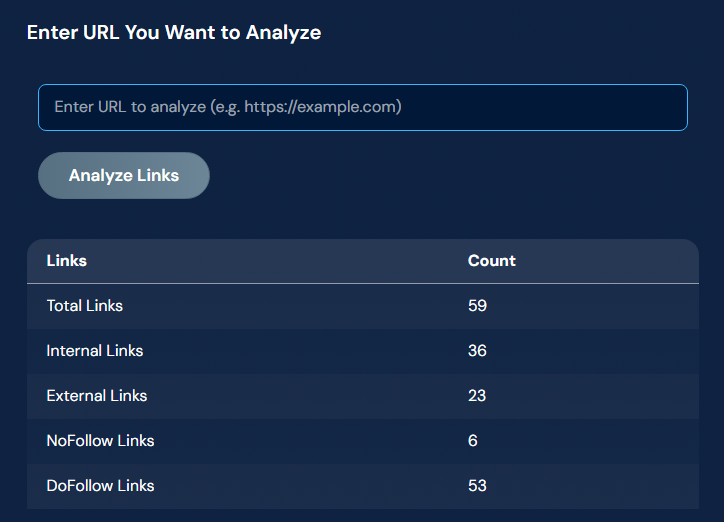
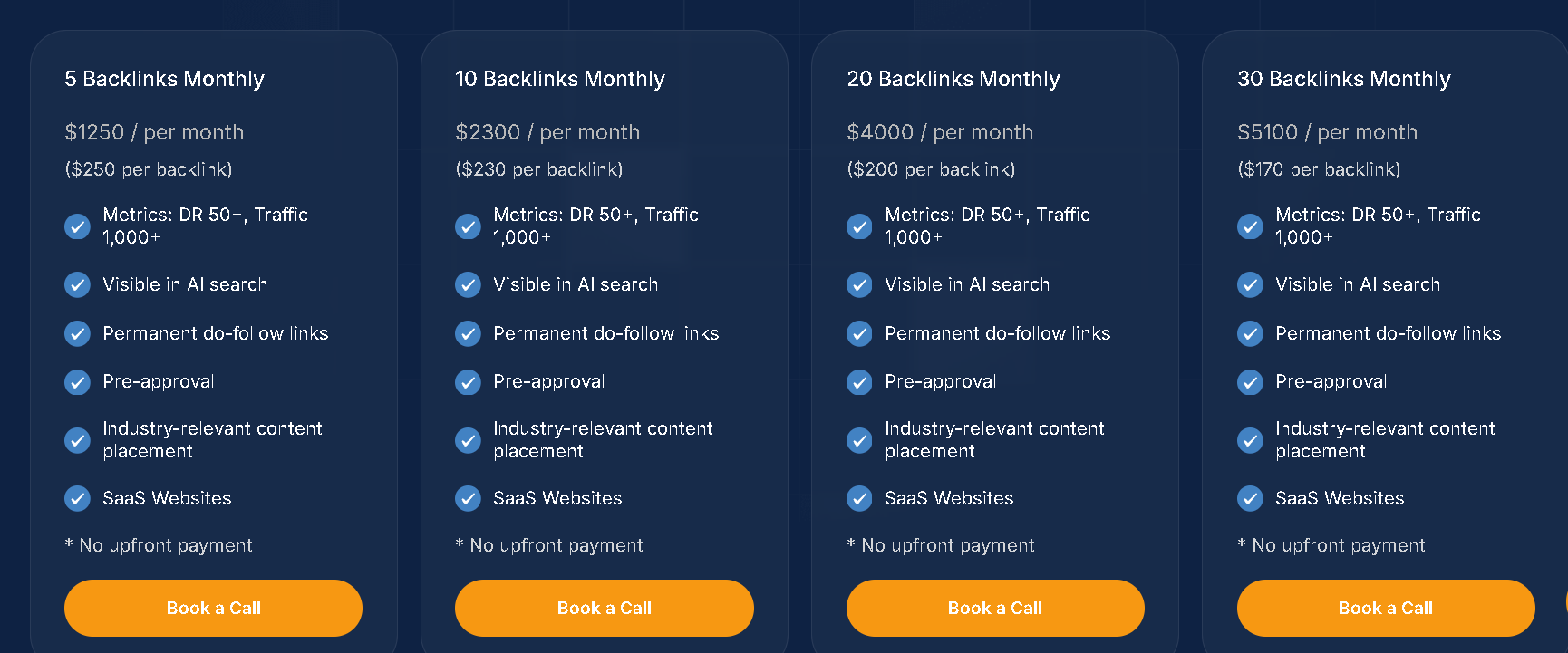
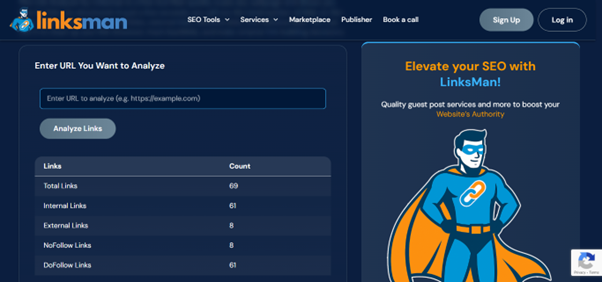
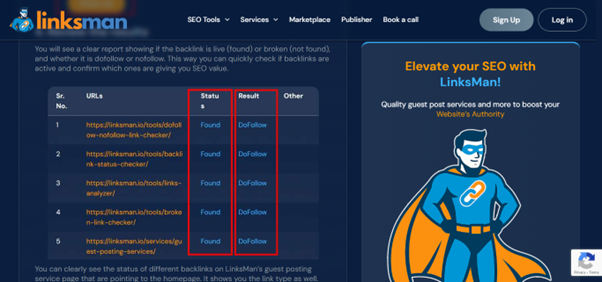
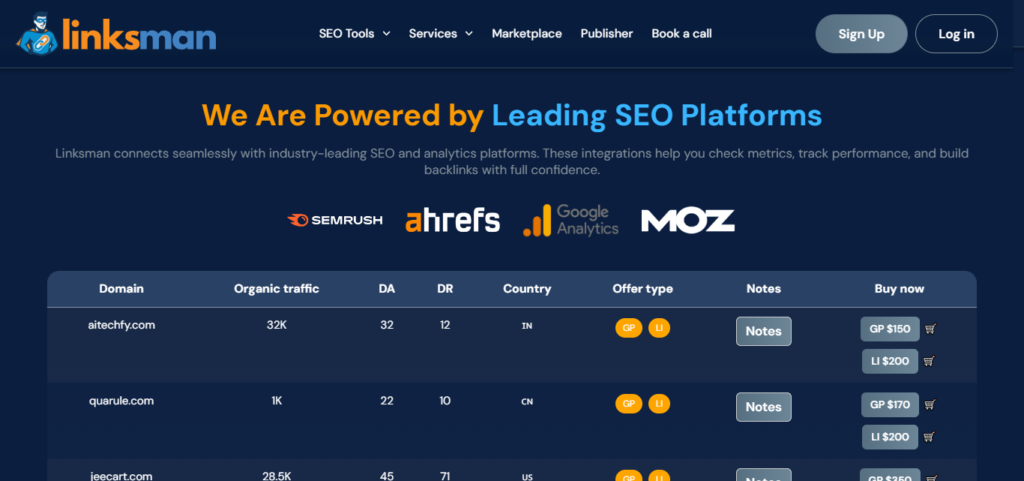
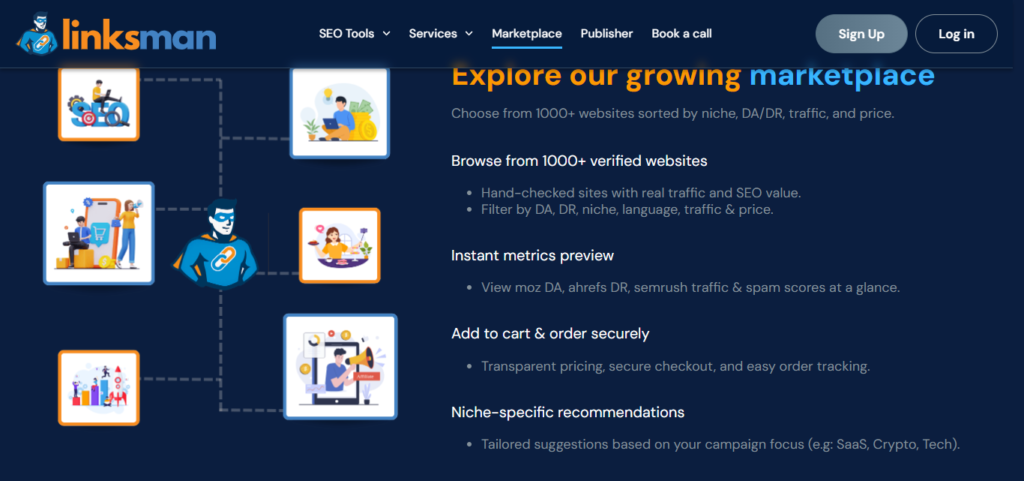
Toxic backlinks are common but regular backlink checks can help protect your SEO and website authority. Make sure you use a mix of tools and manual review to spot harmful links early and remove them from your site. You can also use our free link analyzer tool to find toxic backlinks. And if you are into link building, make sure you only get links from websites that are credible and relevant to your niche. At Linksman, we let you review each site by checking important metrics like niche relevancy and traffic along with domain authority to choose reliable websites for link building.
FAQs on toxic backlinks
1. Can toxic backlinks hurt rankings?
Yes, toxic backlinks can hurt rankings when they appear in large numbers or follow manipulative patterns. Google may reduce trust in your backlink profile or apply penalties in serious cases.
2. Should I disavow toxic backlinks?
You should disavow toxic backlinks only when they are clearly harmful and violating SEO best practices. Avoid disavowing links unless you are confident they pose a real risk.
3. How to check toxic backlinks in 2026?
You can check toxic backlinks using backlink audit tools or by manually reviewing suspicious domains and link quality. Combining tools with manual review gives the most accurate results.
4. Where can I find a free toxic backlinks checker guide?
You can use this step by step guide to identify suspicious domains and remove them safely. We have included all the details you need for toxic backlinks SEO.